Telegram Chat Manager
A Telegram account management tool that runs entirely on your machine. Includes a web dashboard and CLI to analyze, manage, and delete Telegram chats in bulk. Uses Telegram's built-in labels to identify deleted accounts, bots, and scam users. No cloud servers, no third-party APIs, no data leaving your computer.
Tech Stack
Python FastAPI Telethon Uvicorn Pydantic PyInstaller

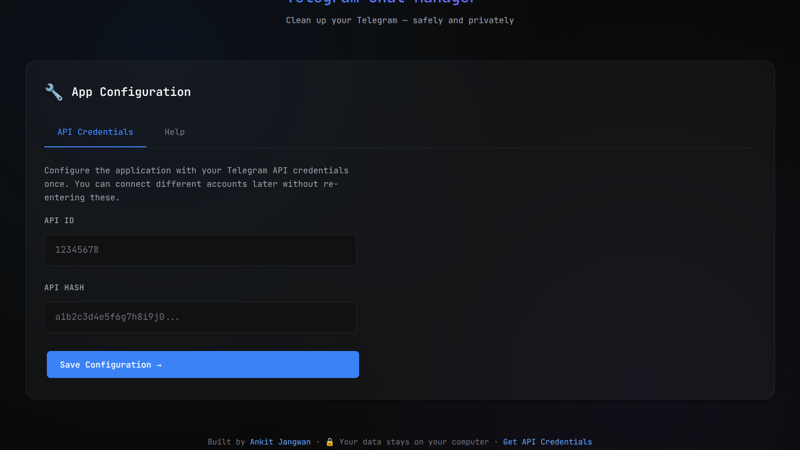
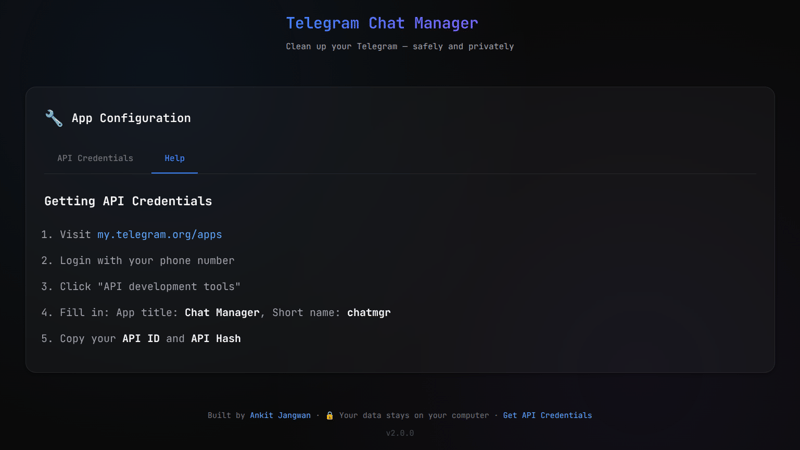
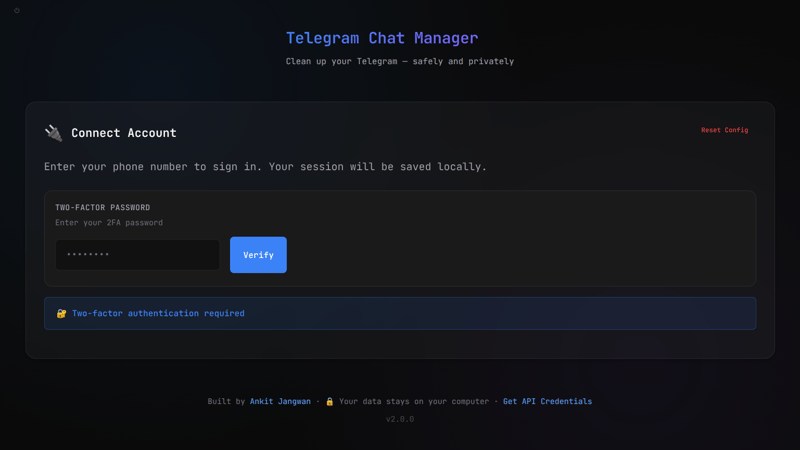
Telegram Chat Manager
Project Insights
Challenges
- Async Telegram API integration without event loop conflicts
- Cross-platform standalone executables with embedded web UI
- Working with Telegram's user categorization and spam detection flags
- Building a portable app that runs without installation
Outcomes
- Single executable for Windows, Linux, and Mac with no dependencies
- Dark-themed web interface with real-time chat statistics
- Uses Telegram's spam flags to identify deleted accounts, bots, and scam users
- All data stays local by default
Architecture & Design
Problem
After years of using Telegram, my account accumulated hundreds of unwanted chats: spam groups I was added to, channels I forgot to leave, deleted user accounts, and bot conversations I never cleaned up. The official Telegram app makes bulk management painful:
- No bulk delete — must delete chats one by one, with confirmation each time
- No spam detection — can't identify deleted accounts, inactive bots, or scam users
- No export — can't get a list of all chats for analysis
- No filtering — can't view only groups, only channels, or only users
I needed a tool to audit my Telegram account, identify clutter, and clean it up — all while keeping my data local and private.
Constraints
- Privacy-first: No data leaves my machine — no cloud, no external APIs
- Portable: Single executable that runs anywhere without Python installed
- Cross-platform: Works on Windows, macOS, and Linux
- Official API only: Use Telegram's MTProto protocol via Telethon (no scraping)
- Session persistence: "Remember me" functionality for convenience
- Dark UI: Dark theme, responsive, works on mobile browsers too